
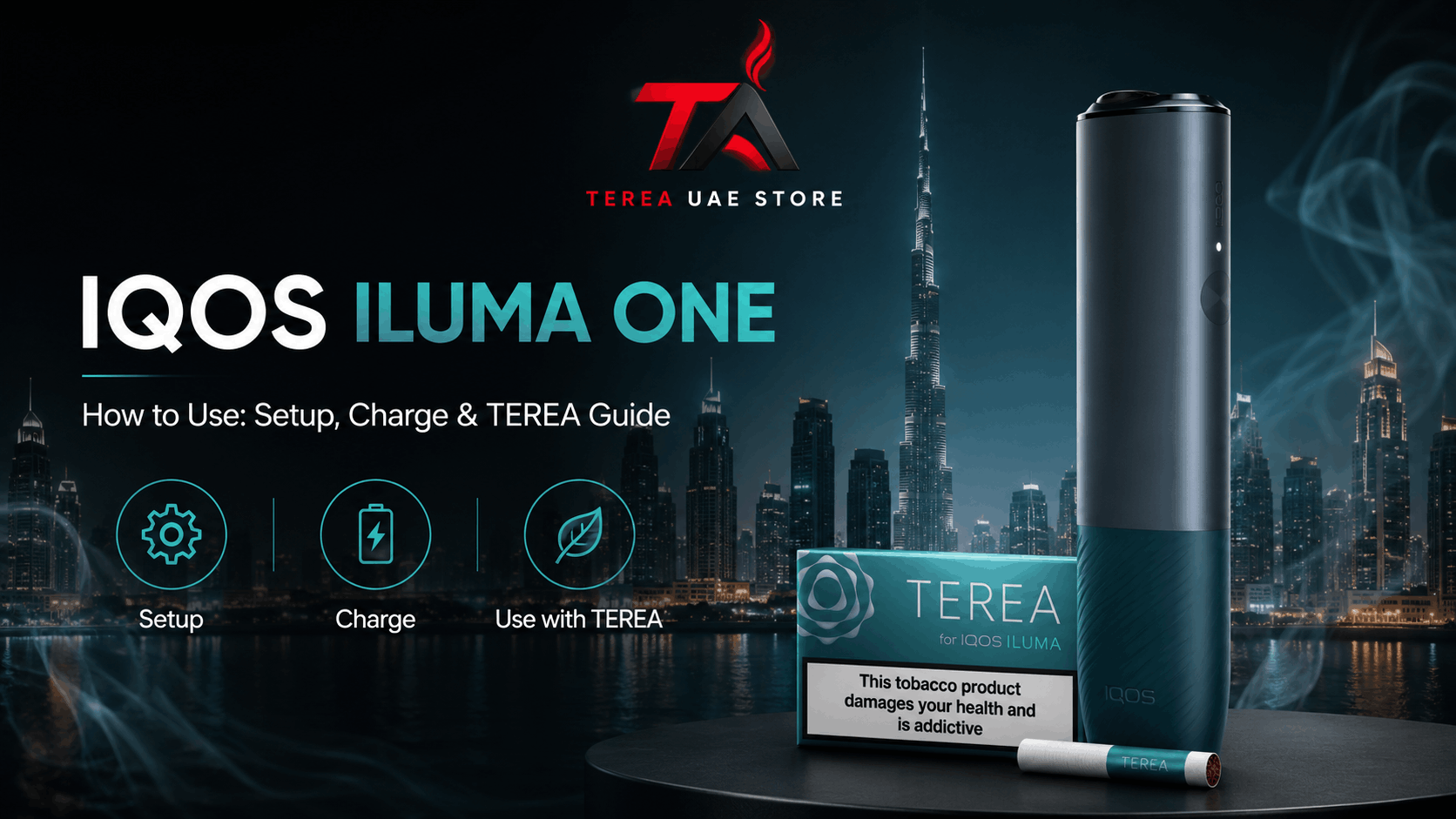
If you are searching IQOS ILUMA ONE how to use, the basic process is straightforward: charge and power on the device, open the cap, insert a compatible TEREA stick to the marked filter line, start heating, wait for the readiness vibration, follow the status lights during use, and remove the single-use stick when the session ends.
However, several small details matter. Inserting the stick too far, attempting to use HEETS, removing TEREA during an active session, ignoring battery indicators, or confusing IQOS ILUMA ONE with the newer IQOS ILUMA i ONE can lead to unnecessary problems.
Official IQOS UAE guidance provides specific instructions for the original IQOS ILUMA ONE, including its button controls, charging indicators, operating temperature and final-session warning.
This guide from Terea Store UAE explains those instructions in a clearer step-by-step format for adult users in Dubai and across the UAE.
IQOS and TEREA are not risk-free products and provide nicotine, which is addictive. They are intended for adults who would otherwise continue using tobacco or nicotine products.
Quick Answer: How Do You Use IQOS ILUMA ONE?
To use IQOS ILUMA ONE:
- Check that the device has sufficient battery power.
- Hold the button for approximately four seconds to turn it on.
- Slide the top cap open.
- Insert a compatible TEREA stick gently up to the filter line, with the mouthpiece outside the device.
- Press the button for at least one second to start heating.
- Keep the TEREA stick in place while the status lights pulse.
- Begin when the device vibrates again and the lights become steady.
- Follow the light countdown during the session.
- When one white light pulses and the device vibrates, approximately 30 seconds or two puffs remain.
- After the session, remove the used TEREA stick and close the cap.
These steps follow the current IQOS UAE support instructions for IQOS ILUMA ONE.
What Is IQOS ILUMA ONE?
IQOS ILUMA ONE is an all-in-one heated-tobacco device within the IQOS ILUMA family.
Unlike IQOS ILUMA and ILUMA PRIME models that use separate holder and charging components, ILUMA ONE integrates its main operating and battery functions into one compact unit.
The device was designed to work with TEREA SMARTCORE sticks rather than the HEETS used with earlier blade-based IQOS generations. Official IQOS UAE information also identifies the original ILUMA ONE as capable of multiple consecutive uses from one charge.
The All-in-One ILUMA Design
The all-in-one design means you do not need to place a separate holder into a pocket charger after each session.
Instead, the same device:
- Holds the TEREA stick
- Provides the induction-heating system
- Contains the rechargeable battery
- Displays battery and session information through status lights
This simplifies the setup, although the device still needs to be charged regularly.
How SMARTCORE Induction Works
Older IQOS devices used an exposed heating blade that entered a compatible tobacco stick.
IQOS ILUMA uses a different approach.
TEREA contains an internal metal heating component. The ILUMA device generates an induction field that heats this internal component, which then heats the tobacco inside the sealed stick.
Because there is no exposed blade entering the tobacco, TEREA and IQOS ILUMA form a specific device-and-consumable system.
This is also why an older HEETS stick should not simply be substituted because it looks similar in shape.
For a deeper explanation of the technology, Terea Store UAE’s existing TEREA Sticks in Dubai guide already covers the relationship between ILUMA, TEREA, SMARTCORE induction and earlier IQOS generations
IQOS ILUMA ONE vs IQOS ILUMA i ONE
The names are extremely similar, but they are not identical models.
IQOS ILUMA ONE belongs to the earlier ILUMA generation.
IQOS ILUMA i ONE is the newer i-generation version and includes updated features such as AutoStart/AutoStop and FlexPuff in the current UAE range.
Therefore, when following troubleshooting or charging instructions online, check whether the guide says:
- ILUMA ONE
- or ILUMA i ONE
This article focuses primarily on the original IQOS ILUMA ONE.
Before Using IQOS ILUMA ONE for the First Time
A few checks before inserting a stick can prevent most beginner mistakes.
Check the Battery
Tap the device button once to view the battery level.
If the battery is too low, charge the device before starting.
Official UAE support notes that a flashing yellow indication at the bottom of the light strip means the battery is low.
Charge the Device
Use the appropriate charging equipment specified by the manufacturer.
Current IQOS UAE guidance says a full charge takes at least about 75 minutes under its standard charging instructions, although a completely discharged device may take up to approximately 90 minutes.
This explains why different support pages or user experiences may mention either 75 or 90 minutes.
Do not assume a device is defective simply because a completely flat battery takes longer.
Turn IQOS ILUMA ONE On
Press and hold the button for approximately four seconds.
The device’s status lights indicate that it has powered on.
The same long press is used to switch the device off.
Confirm You Have Compatible TEREA Sticks
Before inserting anything, confirm that the consumable is intended for the IQOS ILUMA platform.
TEREA is the primary SMARTCORE tobacco-stick format associated with IQOS ILUMA in the UAE.
Do not insert HEETS simply because the dimensions appear similar.
IQOS ILUMA ONE How to Use Step by Step
Now the device is ready for a session.
Step 1: Open the Cap
Slide the top cap open.
Do not try to insert a TEREA stick while the cap remains partially closed because that can interfere with alignment.
Step 2: Insert the TEREA Stick
Insert one TEREA stick gently into the opening.
The filter or mouthpiece should remain outside the device.
Push the stick only to the marked line on the filter.
Do not:
- Force it deeper
- Twist it aggressively
- Bend the stick
- Cut the stick
- Crush it
- Open it
Official IQOS guidance specifically instructs users to insert TEREA up to the filter line.
Step 3: Start Preheating
Press the button for at least one second.
The device should vibrate and the status lights should begin pulsing.
That indicates that preheating has started.
Keep the TEREA stick in place during this process.
Step 4: Wait for the Ready Signal
Do not begin immediately after pressing the button.
Wait until the IQOS ILUMA ONE vibrates again and the status lights become fixed rather than continuing to pulse.
That second signal indicates that the device is ready.
Step 5: Follow the Status Lights
During the session, the white status lights progressively indicate the remaining experience.
As the session continues, fewer illuminated sections remain.
Think of the lights as a visual countdown rather than simply an on/off indicator.
Step 6: Recognize the Final Warning
Near the end of the session, the device vibrates again.
At that point, one white light pulses.
According to IQOS UAE, this indicates approximately:
- 30 seconds remaining, or
- 2 puffs remaining
whichever limit is reached.
This signal is useful because it lets you know that the device is about to finish the current heating cycle.
Step 7: Remove the Used Stick and Close the Cap
After the session finishes, remove the TEREA stick carefully.
TEREA sticks are designed for single use, so do not reinsert the same used stick for another session.
Then slide the cap closed.
IQOS ILUMA ONE Light and Vibration Signals Explained
The lights can initially appear confusing, but they communicate a small number of important conditions.
| Signal | Typical Meaning |
|---|---|
| White battery lights | Current battery level |
| Pulsing lights after activation | Device is preheating |
| Fixed white lights | Device is ready |
| Lights progressively reduce | Session countdown |
| One pulsing white light + vibration | Around 30 seconds or 2 puffs remain |
| Bottom light flashes yellow | Battery charge is low |
| All lights flash white twice | Device may be outside operating temperature |
Official IQOS UAE troubleshooting documentation confirms both the yellow low-battery indication and the twice-flashing white-light temperature warning.
How to Charge IQOS ILUMA ONE Correctly
Charging is straightforward, but battery problems are often mistaken for device faults.
How Long Does IQOS ILUMA ONE Take to Charge?
IQOS UAE’s current ILUMA ONE support page states that a full charge takes at least approximately 75 minutes under normal charging instructions.
If the battery is completely discharged, the same support guidance notes that charging may take up to approximately 90 minutes.
Therefore, both figures can be correct depending on battery state and charging conditions.
What Does a Yellow Light Mean?
If the lower part of the light strip flashes yellow when you check the battery, the battery is low.
Recharge the device before attempting another session.
How to Know When the Battery Is Fully Charged
Official UAE guidance states that when the battery reaches full charge, the lights remain solid white and then switch off.
Therefore, the lights turning off after showing a full white indication does not necessarily mean charging has failed.
Which Sticks Work With IQOS ILUMA ONE?
Compatibility is one of the most important parts of learning how to use the device.
TEREA Compatibility
IQOS ILUMA ONE is designed around TEREA SMARTCORE sticks.
Terea Store UAE’s existing site content also identifies IQOS ILUMA ONE as one of the compatible devices for TEREA products.
Can IQOS ILUMA ONE Use HEETS?
No.
HEETS belong to older compatible IQOS systems that use a heating blade.
IQOS ILUMA uses induction and relies on the internal construction of the TEREA SMARTCORE stick.
Consequently, the two consumable systems are not interchangeable. Official IQOS UAE warns against using TEREA with previous-generation devices because incompatible use can cause damage.
Why Older IQOS Consumables Are Different
The difference is structural.
Older system: heating blade inside the device enters the tobacco stick.
ILUMA system: heating occurs through an internal component within the compatible SMARTCORE stick.
Therefore, physical resemblance does not equal compatibility.
How Long Does an IQOS ILUMA ONE Session Last?
IQOS support documentation describes the ILUMA experience as lasting up to approximately six minutes or 14 puffs, whichever comes first, depending on the supported experience configuration.
The final warning arrives before the session completely ends.
For the original ILUMA ONE, one pulsing white light plus vibration indicates approximately two puffs or 30 seconds remain.
Do not assume every session will feel identical in duration because puff frequency can affect which limit is reached first.
Does IQOS ILUMA ONE Need Cleaning?
IQOS ILUMA ONE eliminates the exposed heating blade found in earlier generations.
That significantly changes the cleaning process.
Why There Is No Heating Blade
TEREA’s tobacco section is sealed and heated from within through the SMARTCORE induction system.
As a result, the device does not pierce the tobacco using a blade.
This avoids the blade-cleaning routine associated with some previous IQOS generations. Official UAE materials describe ILUMA technology as blade-free.
Basic Device Care Still Matters
“Blade-free” should not be interpreted as “nothing can ever require attention.”
Good basic care includes:
- Keeping the device dry
- Keeping the cap area clear
- Avoiding damaged sticks
- Avoiding dust or foreign objects
- Storing the device away from excessive heat
- Not inserting wet TEREA sticks
- Not forcing objects into the chamber
If part of a TEREA stick becomes lodged in the device, consult the official troubleshooting guidance rather than repeatedly forcing another stick inside. IQOS UAE provides a dedicated ILUMA ONE diagnostic resource for this type of problem.
Common IQOS ILUMA ONE Problems and Safe Checks
Device Does Not Turn On
First, check the battery.
Press the button briefly.
If there are no useful status lights, connect the device to the appropriate charger and allow sufficient charging time.
After charging, press and hold the button for about four seconds.
Heating Does Not Start
Check these points:
- Is the device powered on?
- Is there sufficient battery?
- Is the cap fully open?
- Is the TEREA stick inserted to the filter line?
- Are you using a compatible TEREA stick?
- Did you press the button for at least one second?
- Is the device within its operating temperature range?
Avoid repeatedly forcing or removing the stick while diagnosing the problem.
Bottom Light Blinks Yellow
This normally indicates low battery power.
Recharge the device before trying again.
All Lights Blink Twice
The original IQOS ILUMA ONE is designed to operate within approximately 0°C to 40°C.
If the device is outside that temperature range, IQOS UAE says all lights may blink white twice and the device may stop.
This point is particularly relevant in the UAE because a device left in a very hot car or direct summer sun can become excessively warm.
Do not attempt to cool or heat the device using extreme methods. Allow it to return naturally toward a suitable operating temperature.
Session Stops After Removing TEREA
This is expected behaviour.
Official support information states that the experience stops if the TEREA stick is removed during use.
Therefore, avoid pulling the stick out merely to inspect it during an active session.
TEREA Stick Will Not Insert Properly
Do not force it.
Check:
- Whether the cap is fully open
- Whether the stick is damaged
- Whether something is blocking the chamber
- Whether the stick is the correct type
- Whether a broken piece from a previous stick remains inside
Forcing a stick is more likely to create another problem than solve the original one.
Common Mistakes to Avoid With IQOS ILUMA ONE
Using HEETS Instead of TEREA
This is one of the most important compatibility mistakes.
Use the consumable intended for the ILUMA system.
Reusing a TEREA Stick
TEREA is single use.
A previously used stick should be removed and disposed of rather than inserted for another heating session.
Inserting the Stick Too Far
Stop at the filter line.
Forcing the stick deeper is unnecessary.
Removing TEREA During Preheating
Keep the stick in place while the lights pulse.
Wait for the readiness vibration.
Starting Before the Device Is Ready
The first vibration does not necessarily mean the heating process has finished.
Wait until the device vibrates again and the status lights become steady.
Ignoring a Low Battery
A device with insufficient battery may not start or complete the expected operating cycle.
Check battery status before troubleshooting more complicated causes.
Leaving the Device in Extreme UAE Heat
The official operating range tops out around 40°C.
A parked vehicle in UAE sunshine can become much hotter than that.
Avoid leaving the device exposed to excessive heat.
IQOS ILUMA ONE vs ILUMA PRIME and ILUMA
All three belong to the original ILUMA generation and use the SMARTCORE induction concept, but their physical formats differ.
All-in-One vs Holder and Pocket Charger Designs
The key practical distinction is design.
IQOS ILUMA ONE
- All-in-one form
- No separate holder
- Integrated battery
- Compact format
- Multiple uses from one charge
IQOS ILUMA / ILUMA PRIME
- Separate holder-based structure
- Holder works with a pocket-charger arrangement
- Different charging workflow
Therefore, instructions written for a separate ILUMA holder should not automatically be applied to ILUMA ONE.
Important Usage and Safety Points for UAE Adults
Using the device correctly also means understanding a few basic safety rules.
Do Not Open TEREA Sticks
TEREA contains an internal metal component required for induction heating.
Manufacturer guidance warns against ingesting or disassembling SMARTCORE sticks because the internal metal component can cause serious injury if swallowed.
Keep Products Away From Children
Both the electronic device and consumables should be kept securely away from children.
Do Not Treat Heated Tobacco as Risk-Free
IQOS and TEREA are not risk-free and provide nicotine, which is addictive.
Correct device operation does not remove the health risks associated with tobacco and nicotine use.
Final Thoughts on Using IQOS ILUMA ONE Correctly
Learning IQOS ILUMA ONE how to use becomes much easier once the process is divided into three stages: preparation, heating and completion.
Before use, check the battery, power on the device and confirm that you have a compatible TEREA stick.
Next, open the cap and insert the TEREA only to the filter line. Press the button for at least one second and wait through the preheating stage. Begin only after the readiness vibration and steady status lights.
During use, let the light strip act as the countdown. When the device vibrates and only one white light is pulsing, approximately 30 seconds or two puffs remain.
Finally, remove and dispose of the used TEREA stick rather than attempting to reuse it.
The most common problems are also relatively easy to separate: a yellow light points toward low battery, two white flashes can indicate a temperature issue, and a session ending immediately after stick removal is expected device behaviour.
For adults in the UAE who want to understand the wider system, Terea Store UAE also provides educational information about TEREA compatibility, regional variants and how the IQOS ILUMA induction platform works. For operation, troubleshooting and device safety, however, official IQOS UAE documentation should remain the primary reference.
IQOS and TEREA are not risk-free and provide nicotine, which is addictive. They are intended for adults who would otherwise continue using tobacco or nicotine products.
Frequently Asked Questions About Using IQOS ILUMA ONE
1. How do I use IQOS ILUMA ONE for the first time?
Charge the device, hold the button for about four seconds to switch it on, slide the cap open, insert a compatible TEREA stick to the filter line, press the button for at least one second and wait until the device vibrates and the status lights become steady before starting.
2. How do I turn on IQOS ILUMA ONE?
Press and hold the device button for approximately four seconds. The status lights indicate that the device has switched on. The same long press can be used to switch it off.
3. How long should I charge IQOS ILUMA ONE?
Official IQOS UAE guidance says a full charge takes at least around 75 minutes under standard conditions. A completely discharged battery may take up to approximately 90 minutes.
4. Which tobacco sticks work with IQOS ILUMA ONE?
IQOS ILUMA ONE is designed for compatible TEREA SMARTCORE sticks. It should not be treated as compatible with every tobacco stick simply because another product appears to fit.
5. Can I use HEETS with IQOS ILUMA ONE?
No. HEETS belong to compatible earlier blade-heating IQOS generations. IQOS ILUMA ONE uses the SMARTCORE induction system and compatible TEREA sticks.
6. What does the vibration on IQOS ILUMA ONE mean?
Vibrations communicate different stages. One occurs around activation/preheating, another indicates readiness, and a later vibration combined with one pulsing white light warns that about 30 seconds or two puffs remain.
7. Why is my IQOS ILUMA ONE blinking yellow?
A yellow indication at the bottom of the light strip normally means the battery is low and the device needs charging.
8. Why does IQOS ILUMA ONE flash white twice?
Official UAE troubleshooting information says two white flashes can indicate that the device is outside its approximate operating temperature range of 0°C to 40°C. Allow it to return to a suitable temperature before trying again.
9. Do I need to clean IQOS ILUMA ONE after every stick?
The ILUMA system does not use the exposed heating blade found in older IQOS generations, so it does not require the same blade-cleaning routine. However, keep the device dry, clear of debris and free from broken-stick material.
10. Is IQOS ILUMA ONE the same as IQOS ILUMA i ONE?
No. IQOS ILUMA i ONE is a newer model. The current i ONE includes features such as AutoStart/AutoStop and FlexPuff that distinguish it from the original IQOS ILUMA ONE.